Table of Contents
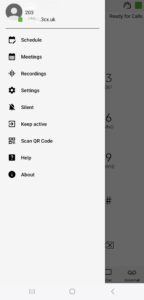
To Disable an Extension within the 3CX Android App: #
- Tap the Menu Icon (3 Lines in Top Left)

- Tap your Profile Icon

- Press and Hold your Profile Icon

- Select ‘Deactivate’

To Enable an Extension within the 3CX Android App: #
- Tap the Menu Icon (3 Lines in Top Left):
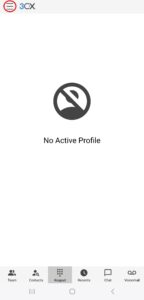
- Tap the Profile Icon:
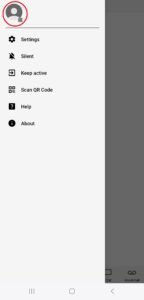
- Tap on the Profile Icon of the profile you wish to Enable:
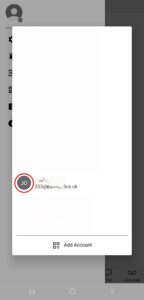
- The Extension should now be active: