Install WireGuard VPN Application for Windows
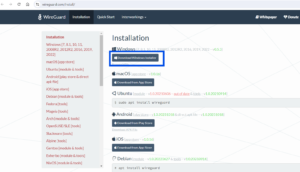
1. Navigate to https://www.wireguard.com/install/.
2. Click ‘Download Windows Installer’
3. Find the ‘wireguard-installer.exe’ in your Downloads, Right Click and select ‘Run as Administrator’
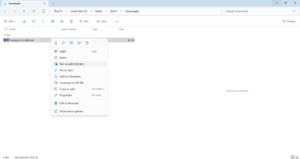
NOTE: you may need to Accept the UAC Prompt and/or enter an Administrator Password
4. The WireGuard Application will start installing, once complete you should see the below screen:
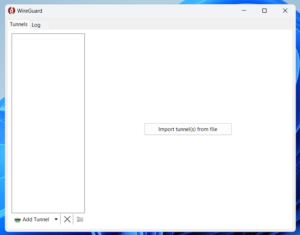
Subsequent Guides will show you how to configure and connect using WireGuard.
If you require assistance in following this guide or something isn’t working, please email support@jansait.com or call 0208 819 8089